
Showing posts with label interactive whiteboard. Show all posts
Showing posts with label interactive whiteboard. Show all posts
Friday, 25 January 2013
No shadow on the Interactive whiteboard...


Saturday, 11 September 2010
Classroom timers for the Interactive whiteboard

From Class tools a countdown timer with sound
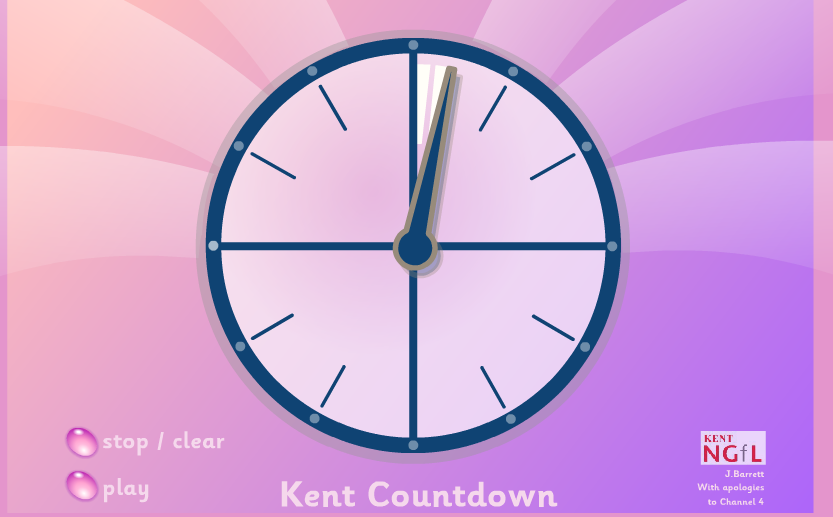
COUNTDOWN from Kent ICT
sorry to see this is now only available to Kent schools.All schools should be able to use these resources.
sorry to see this is now only available to Kent schools.All schools should be able to use these resources.

Use this you tube video instead

Using countdown timers in powerpoint

Virtual stop watch
From Jim Luther's Assistive Technology Collection
countDown is a simple standalone countdown timer to download that provides visual and auditory cues regarding the timer's status.
countDown is a simple standalone countdown timer to download that provides visual and auditory cues regarding the timer's status.

Wednesday, 26 May 2010


Thursday, 19 November 2009
Online games to improve numeracy and literacy skills

Academic Skills Builder has free multi-player and single-player games to improve addition,multiplication,fractions and integers. There are also language games.
 Source: Thanks to Teaching All Students
Monday, 2 February 2009
Music on the whiteboard

 I thought these instruments were great and I will be trying them out with my students tomorrow in our last half hour of the day . There are a series of instruments to play. They can be downloaded here and saved on to a memory stick.They can be played directly from the site although the layout is not designed for this.
Sensory World Music Room is another good site to make music and experience the sounds of instruments .

Monday, 19 May 2008
5 fun activities to do with the interactive whiteboard pen
I use the interactive whiteboard with my students with learning difficulties. I've listed 5 activities which you can do with your group.
 Line rider .
Draw a course for the sledge and its intrepid rider click here
View examples on You Tube or Vimeo . These two examples have music.You will need to check your college doesn't block these sites.
 Wild card
Create swirly/flowing lines by moving the pen or the mouse.5 different patterns with dark or light backgrounds to choose from accompanied by calming music click here
Don't Click
 Just move the pen or mouse. Try The Experiments samples 1-4 in the Explore section. Best for students who have good skills with the pen as you need to move the pen without tapping the board to simulate the mouse
The site asks you to select items without clicking and lets you know when you have clicked rather than hovered.
 Priory Woods
Visit this school site . Loads to choose from . Try the switch/touch screen videos in the Resource section. under Cause and Effect .Its best to download on to a memory stick or network space as they take ages to load. My favourite is Banana Phone but the students all prefer Abba!
Line rider .Draw a course for the sledge and its intrepid rider click here
View examples on You Tube or Vimeo . These two examples have music.You will need to check your college doesn't block these sites.
Wild cardCreate swirly/flowing lines by moving the pen or the mouse.5 different patterns with dark or light backgrounds to choose from accompanied by calming music click here
Don't Click
Just move the pen or mouse. Try The Experiments samples 1-4 in the Explore section. Best for students who have good skills with the pen as you need to move the pen without tapping the board to simulate the mouse The site asks you to select items without clicking and lets you know when you have clicked rather than hovered.
Priory Woods Visit this school site . Loads to choose from . Try the switch/touch screen videos in the Resource section. under Cause and Effect .Its best to download on to a memory stick or network space as they take ages to load. My favourite is Banana Phone but the students all prefer Abba!
 Sensory World
Visit the Sensory room .Create an underwater scene
( touch the sea icon) complete with mermaid, fish, wafting seaweed, soothing music and wonderful colours click here
Subscribe to:
Posts (Atom)